What is AI Integration in Android App Development?
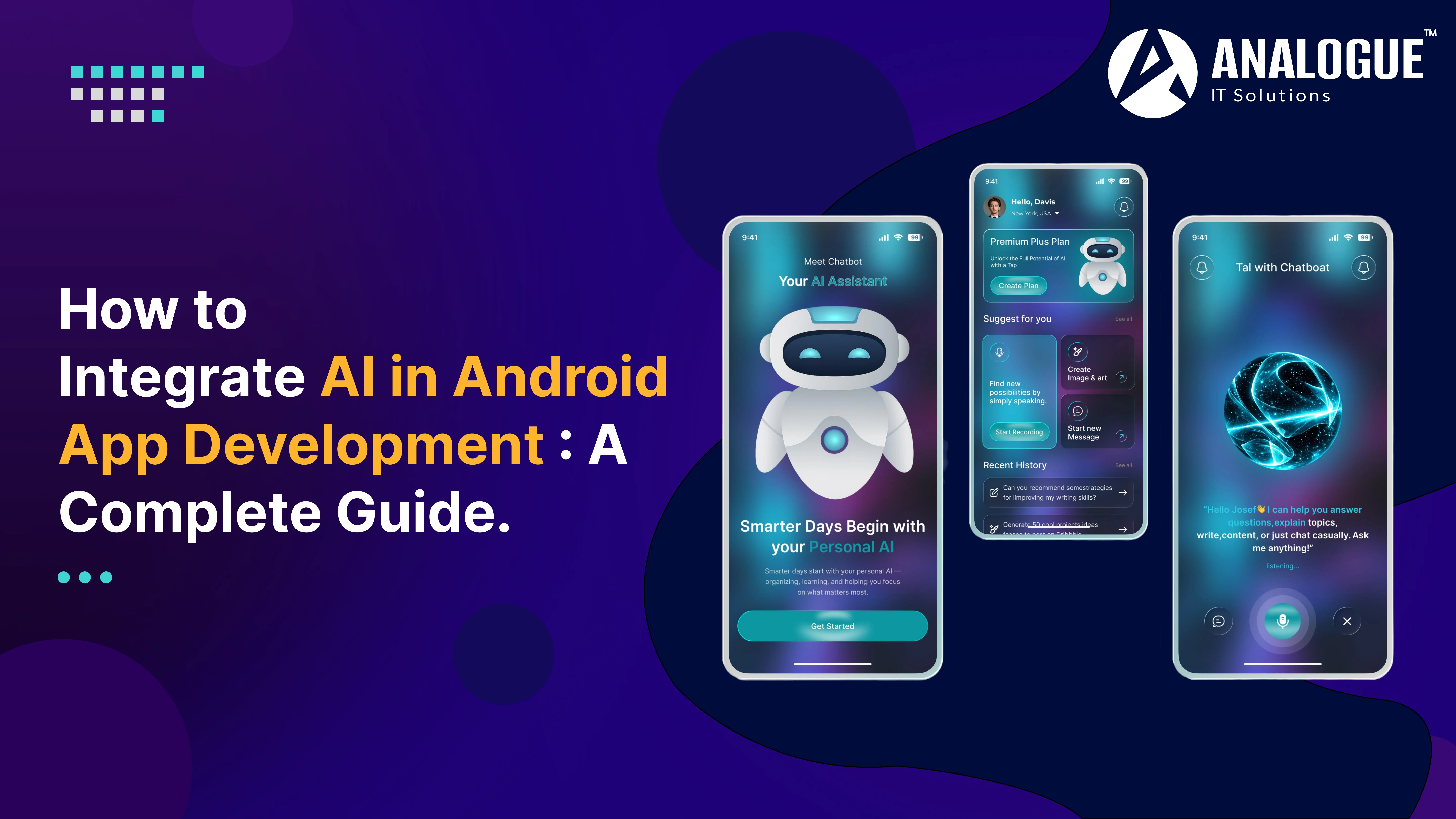
AI integration in Android app development refers to incorporating Artificial Intelligence technologies such as Machine Learning (ML), Natural Language Processing (NLP), Computer Vision, and Predictive Analytics into Android applications.
Instead of simply responding to user input, AI-enabled apps learn from data, understand user behavior, and make intelligent decisions in real time.
Examples of AI-powered Android applications include:
● Voice assistants
● AI chatbots
● Face recognition systems
● Language translation apps
● Personalized shopping applications
● Healthcare monitoring apps
● Smart financial applications
Why Integrate AI into Android Apps?
Businesses are integrating AI because it improves both user experience and operational efficiency.
Personalized User Experience
● AI analyzes user preferences, browsing history, and interactions to recommend products, services, or content that matches individual interests.
Intelligent Automation
● AI automates repetitive processes such as customer support, appointment scheduling, and document processing, reducing manual effort.
Enhanced Security
● AI-powered authentication methods such as facial recognition, fingerprint verification, and fraud detection improve application security.
Better Decision Making
● AI processes large volumes of data to generate valuable insights that help businesses make informed decisions.
Improved Customer Engagement
● Chatbots and virtual assistants provide instant responses, resulting in higher customer satisfaction and increased retention.
Popular AI Features for Android Applications
Adding AI features can significantly enhance your Android app.
Some of the most popular AI capabilities include:
● AI Chatbots
● Voice Recognition
● Image Recognition
● Facial Recognition
● Personalized Recommendations
● Predictive Analytics
● Language Translation
● OCR (Optical Character Recognition)
● Sentiment Analysis
● Smart Search
Selecting the right features depends on your business goals and user requirements.
Step-by-Step Process to Integrate AI into Android Apps
Step 1: Define Your Business Objective - Before implementing AI, identify the problem you want to solve
● automating customer support
● improving product recommendations
● detecting fraudulent activities
● enhancing healthcare monitoring
● increasing shopping conversions
Step 2: Choose the Right AI Technology - Depending on your application requirements, select appropriate AI technologies:
● Machine Learning
● Deep Learning
● Natural Language Processing
● Computer Vision
● Recommendation Engines
● Predictive Analytics
Step 3: Collect and Prepare Data - AI models require quality data for training.
● customer behavior
● transaction history
● images
● voice samples
● product catalogs
● user preferences
Step 4: Select AI Development Tools - Developers commonly use tools such as
● TensorFlow Lite
● ML Kit
● OpenAI APIs
● Google Gemini APIs
● Firebase AI services
● Android Studio
Step 5: Build and Train AI Models
● The AI model learns from prepared datasets and improves prediction accuracy over time
● Testing multiple models helps identify the best-performing solution
Step 6: Integrate AI into the Android Application
● Connect the AI model using APIs or SDKs and ensure seamless interaction with the application's interface
● Optimize performance to reduce memory usage and maintain smooth user experiences
Step 7: Test and Optimize - Evaluate AI functionality by testing:
● prediction accuracy
● response time
● user experience
● security
● device compatibility
Continuous optimization ensures better long-term performance.
Best AI Frameworks for Android Development
Several frameworks simplify AI integration:
● TensorFlow Lite
● Google ML Kit
● OpenAI API
● Google Gemini API
● PyTorch Mobile
● Firebase ML
● MediaPipe
Each framework offers different capabilities depending on your application requirements.
Industries Using AI-Powered Android Applications
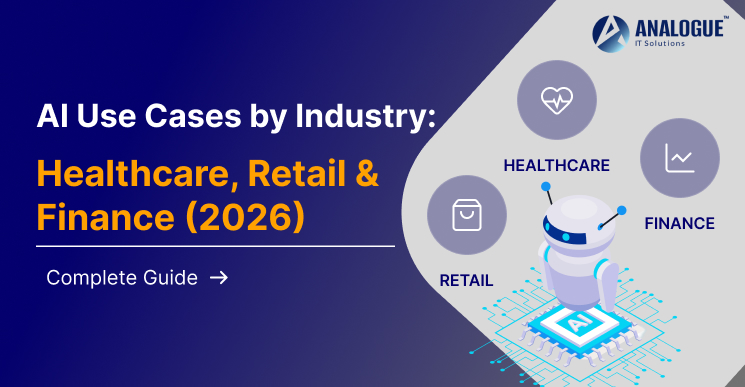
AI is transforming multiple industries.
Healthcare
● Patient monitoring
● Medical diagnosis support
● Appointment scheduling
E-commerce
● Personalized product recommendations
● Visual product search
● Customer support chatbots
Finance
● Fraud detection
● Risk analysis
● Smart budgeting
Education
● Personalized learning
● AI tutors
● Automated assessments
Logistics
● Route optimization
● Fleet management
● Delivery tracking
Challenges of AI Integration
Although AI offers significant advantages, developers should consider several challenges.
● High-quality data requirements
● Data privacy and compliance
● Increased development costs
● AI model maintenance
● Performance optimization
● Battery consumption
● Scalability concerns
Planning for these challenges early can reduce implementation risks.
Best Practices for AI Android App Development
To maximize the benefits of AI integration:
● Clearly define business goals before development.
● Use reliable, high-quality datasets.
● Protect user data with strong encryption.
● Optimize AI models for mobile devices.
● Monitor AI performance continuously.
● Regularly update AI models using new data.
● Ensure transparency by informing users when AI features are being used.
Following these practices helps create reliable and trustworthy AI-powered Android applications.
Future Trends in AI Android App Development
The future of Android applications will be driven by advanced AI capabilities, including:
● Generative AI-powered assistants
● Edge AI processing
● AI-powered voice interfaces
● Multimodal AI experiences
● Hyper-personalization
● Predictive healthcare
● AI-powered cybersecurity
● Real-time translation
As AI technology evolves, Android applications will become more intelligent, efficient, and user-centric.
Conclusion
Integrating AI into Android app development is no longer a luxury—it's becoming an essential strategy for businesses that want to deliver smarter, faster, and more personalized mobile experiences. Whether you're building an e-commerce platform, healthcare solution, financial application, or educational app, AI can significantly improve automation, customer engagement, and operational efficiency.
By defining clear objectives, choosing the right AI technologies, using trusted frameworks, and following development best practices, businesses can create Android applications that meet modern user expectations. As AI continues to evolve in 2026 and beyond, organizations that invest in intelligent mobile applications will be better positioned to innovate, improve customer satisfaction, and stay ahead of the competition.



 For Business :